
Set up Povidomlyaka for a client
On this page
A step-by-step playbook for partners who configure Povidomlyaka for the salons they bring — from opening the client's account to the first delivered reminder, in about ten minutes.
Before you start
The client has registered with your referral link and confirmed their email. If they can't find the email, see Didn't get the confirmation email.
You have partner access to their account. See Log in to a client's account.
1. Open the client's account
From the Partners section → Users, open the client's Personal account. See Log in to a client's account.
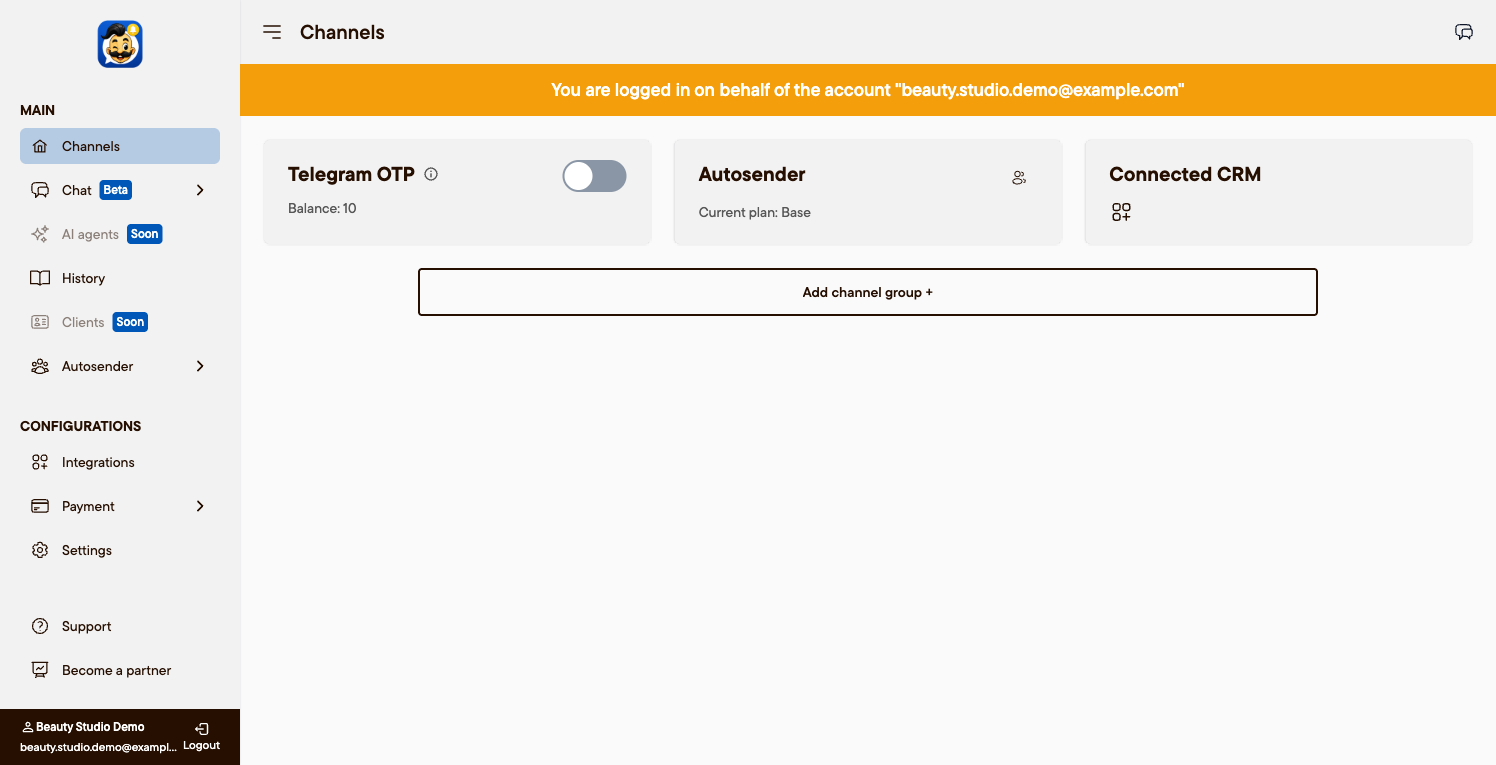
2. Connect a channel
In Channels, connect at least one:
WhatsApp — scan the QR code. See Connect WhatsApp.
Telegram — scan the QR code. See Connect Telegram.
SMS — the Android app, or Messaggio. See Connect SMS via Messaggio.
Connect the channel on a stable number, and let it run on reminders for a few days before any mass broadcast.
3. Connect the CRM
In Integrations, connect the client's CRM so appointments flow in automatically:
Altegio — see Set up the Altegio integration.
Planfix — see Connect Planfix.
4. Set the cascade order
In Cascade, arrange the channels (for example Telegram → WhatsApp → SMS) so a message always reaches the client. See Set up the cascade order.
5. Check it works
Send a test and confirm the reminder is delivered. See Check that notifications work. If something is missing, see My clients aren't receiving reminders.
Hand over to the client
Everything is configured — the client only needs to pay for the subscription when the free trial ends. Show them the plans and pricing and where to pay.
Was this article helpful?