My clients aren't receiving reminders
On this page
If appointments in your CRM aren't turning into messages, it is almost always one of a few things. Check them in order.
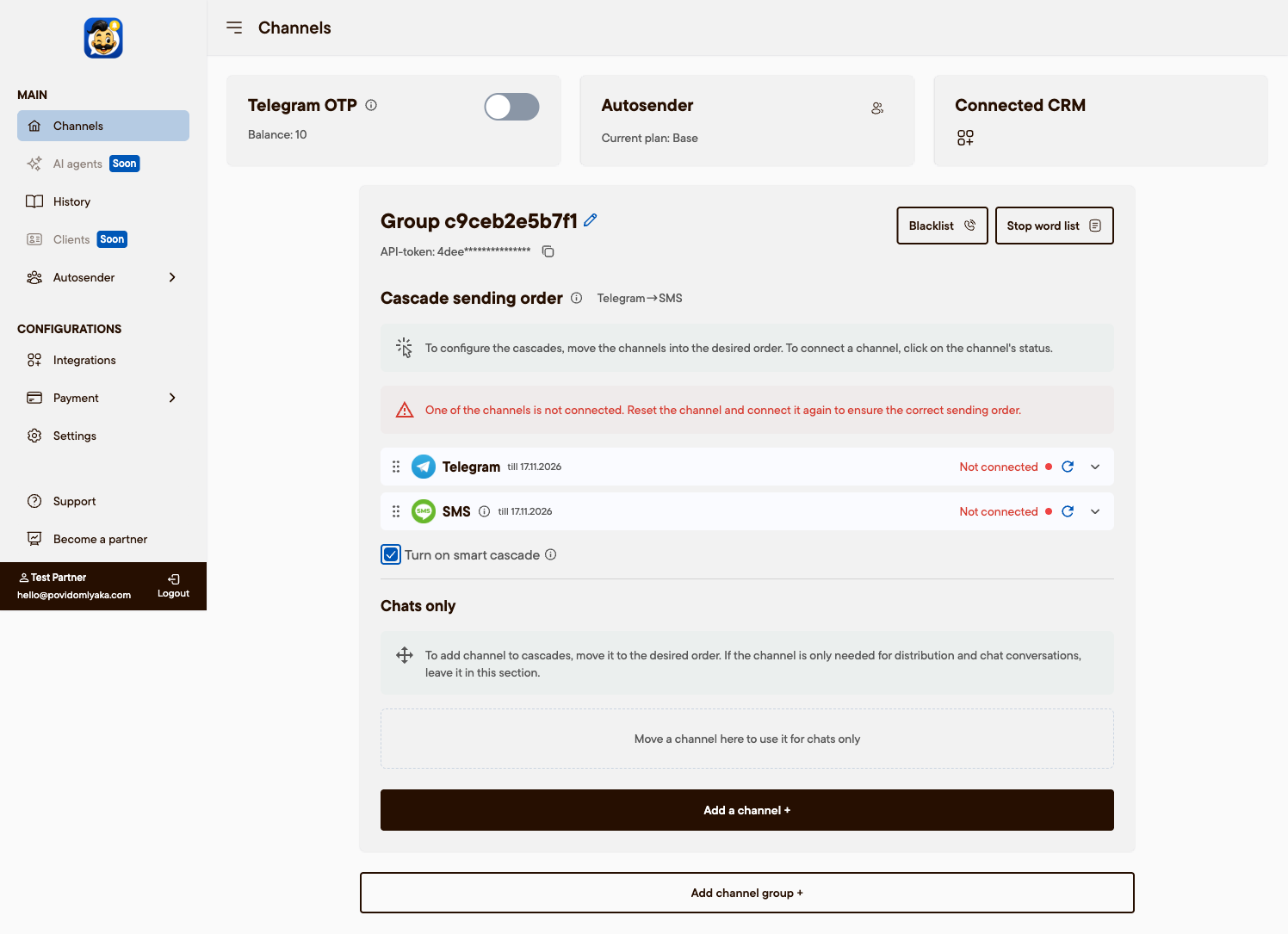
1. Is a channel connected?
Open app.povidomlyaka.com → Channels. At least one channel (WhatsApp, Telegram or SMS) must show Online. If none is connected, reminders have nowhere to go — scan the QR code to connect one. See Connect WhatsApp or Connect Telegram. This is the most common cause: the account is registered but no channel was ever connected.
2. Is the channel still online?
A channel can drop — the phone went offline, or the Telegram or WhatsApp session ended. If a channel shows a warning, reconnect it. See Reconnect a messenger.
3. Is your CRM connected and are notifications on?
In Integrations, your CRM (Altegio or Planfix) must be connected, and the notification types you want must be enabled on the CRM side. See Set up appointment notifications.
4. Is the free trial or subscription active?
If the trial ended or the subscription lapsed, sending stops and your settings are kept. Open app.povidomlyaka.com/payment to continue. See Plans and pricing.
5. Is the cascade set?
If only a channel the client doesn't use is enabled, the message can't be delivered. Add the other channels and set the order. See Set up the cascade order.
Still not working?
Check the message history for the appointment, then contact us with the client's phone number and the appointment time:
Email: support@povidomlyaka.com
Telegram: t.me/povidomlyaka
WhatsApp: wa.me/380735879356
Was this article helpful?