
Your account at a glance
On this page
Your Povidomlyaka account is at app.povidomlyaka.com. Click the menu icon in the top left corner to see the section names.
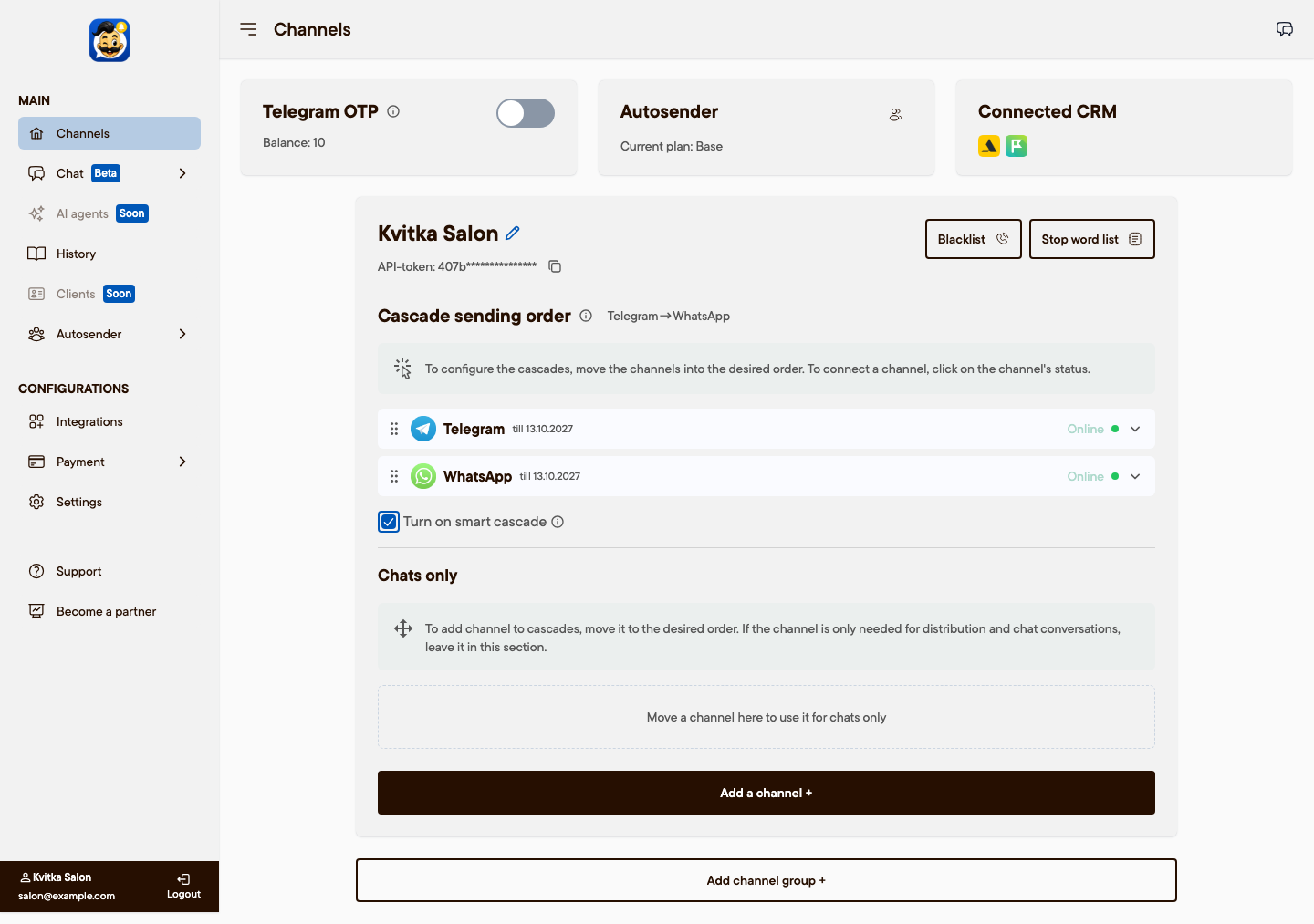
Main
Channels: connect Telegram, WhatsApp and SMS, set the cascade order, and manage the blacklist and stop words. The date next to each channel shows when its subscription or trial ends.
Chat (Beta): reply to clients in all messengers. Chat → Users is where you add team members.
AI agents: coming soon.
History: every message Povidomlyaka sent, with its delivery status. See Check that notifications work.
Clients: coming soon.
Autosender: marketing broadcasts: Create, Projects, Repeatable (beta), Statistics and Blacklist. See Send a marketing broadcast.
Configurations
Integrations: connect Altegio or Planfix and set up the appointment confirmation and review bots.
Payment: pay for channels and add-ons (Checkout), your company details (Profile) and your payments (Transactions).
Settings: account details, interface language and renewal reminders.
Also in the menu
Support: write to us if something does not work.
Become a partner: our partner program.
The chat icon in the top right corner opens the chat in a side panel on any page.
Was this article helpful?