
How the chat works
The Povidomlyaka chat collects messages from all your connected channels, such as Telegram and WhatsApp, in one window. Your team replies to clients from the chat, and the client gets the answer in the same messenger.
Open the chat
In your account, open Chat → Chat in the left menu.
Or click the chat icon in the top right corner of any page. The chat opens in a side panel.
In Altegio, the chat opens right in the Altegio window. See Use the chat inside Altegio.
On a phone, the chat opens in a browser tab. Add it to your home screen to get push notifications.
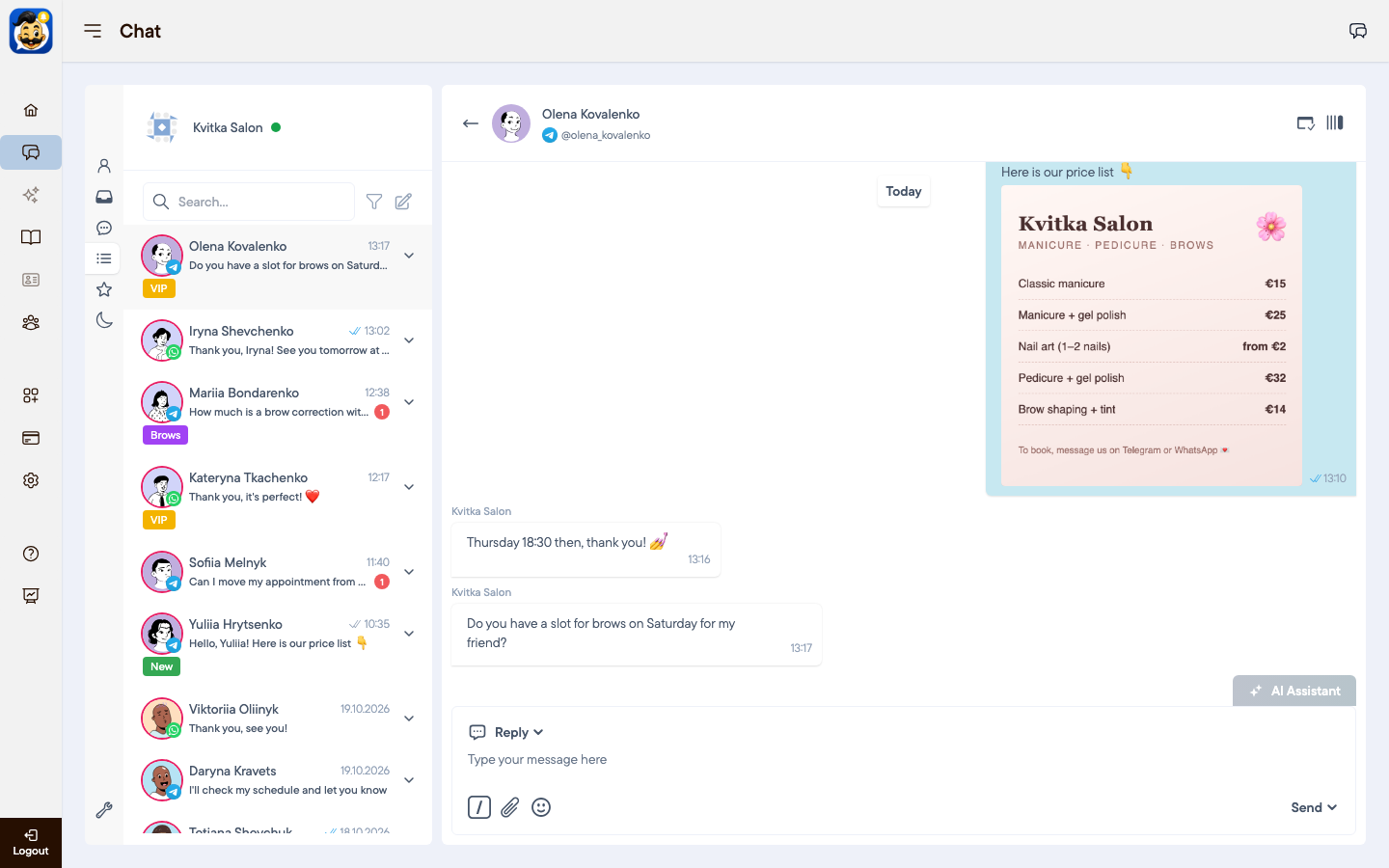
Folders
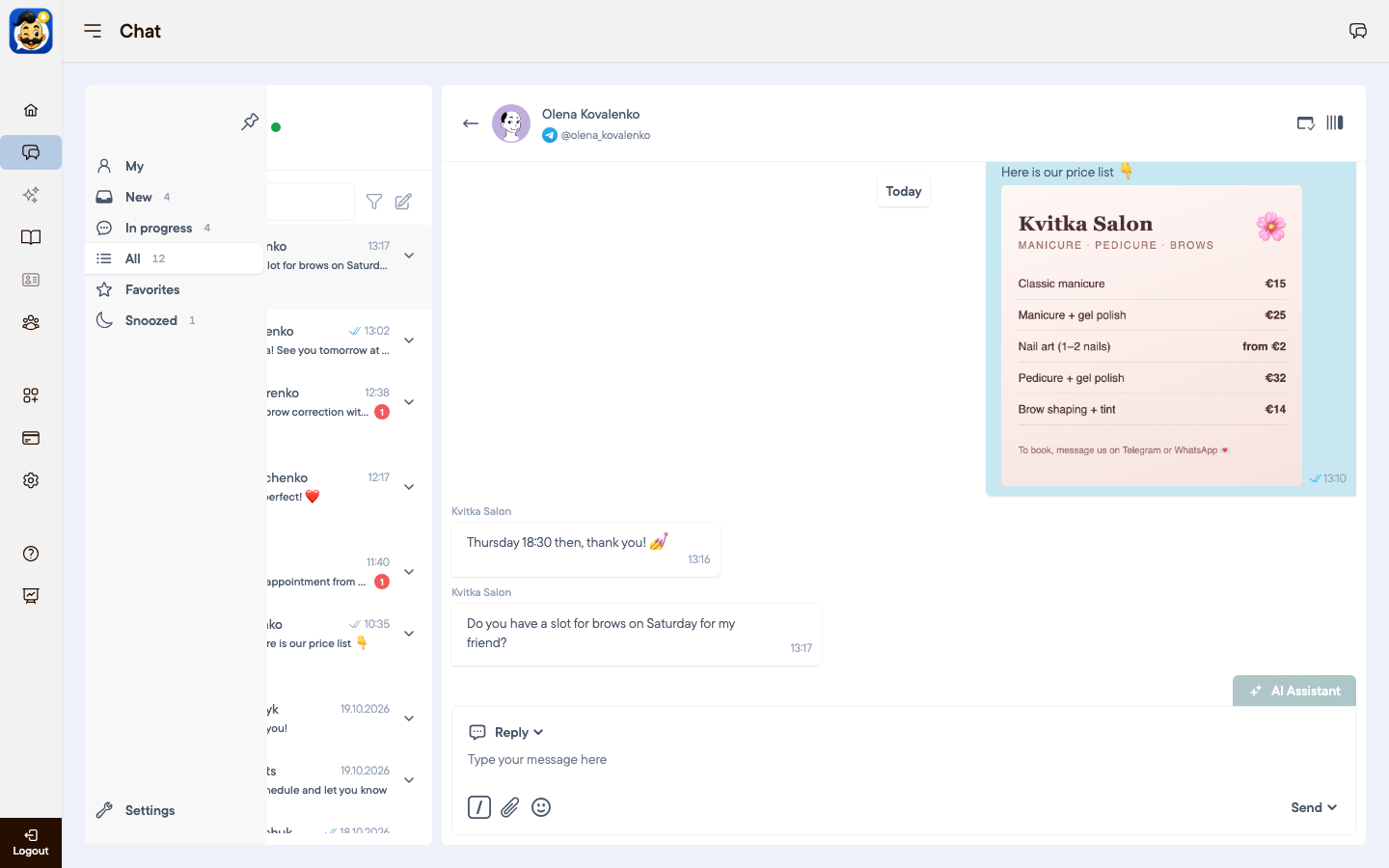
Point at the left panel to see the folder names.
My: chats assigned to you.
New: chats nobody has replied to yet.
In progress: chats your team is working on.
All: every chat.
Favorites: pinned chats.
Snoozed: chats you put aside for later.
Chat statuses
A new client message creates a chat with the status New.
After the first reply from your team, the chat moves to In progress.
When the question is solved, close the chat. Closed chats stay in All.
If the client writes again, a closed or snoozed chat returns to New.
One client, several messengers
Each messenger has its own chat. If a client writes on Telegram and on WhatsApp, you see two chats. Povidomlyaka links them to one client profile by phone number. Your reply always goes to the messenger of the chat you answer in.
Next steps
Was this article helpful?