
Use the chat inside Altegio
On this page
When Altegio is connected to Povidomlyaka, the chat opens right inside Altegio, in a panel on the right side of the page. Your administrators reply to clients without leaving the appointment calendar.
Open the chat in Altegio
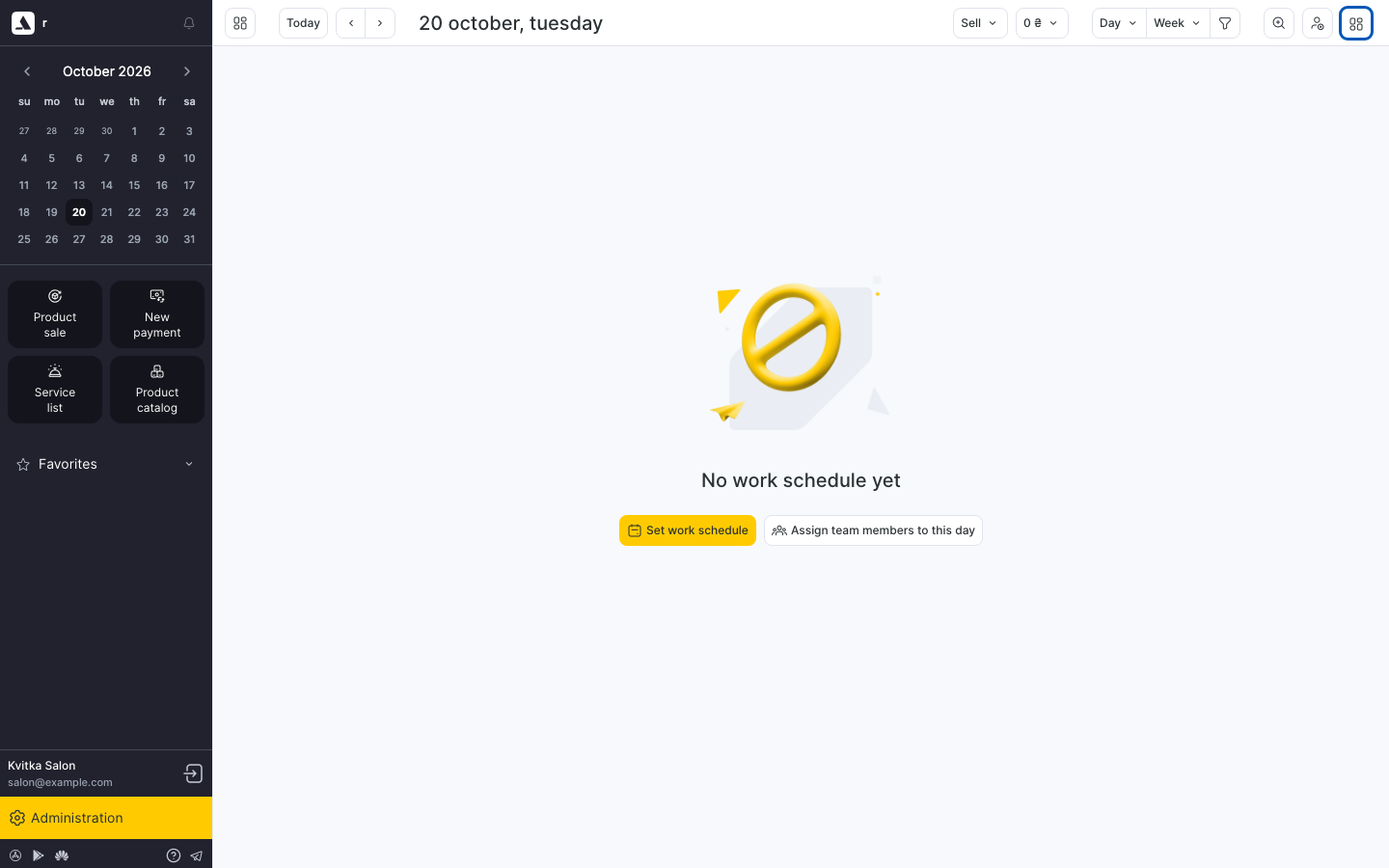
In Altegio, click the apps button (four squares) in the top right corner.
A panel opens on the right side of the page. Open the Chat tab.
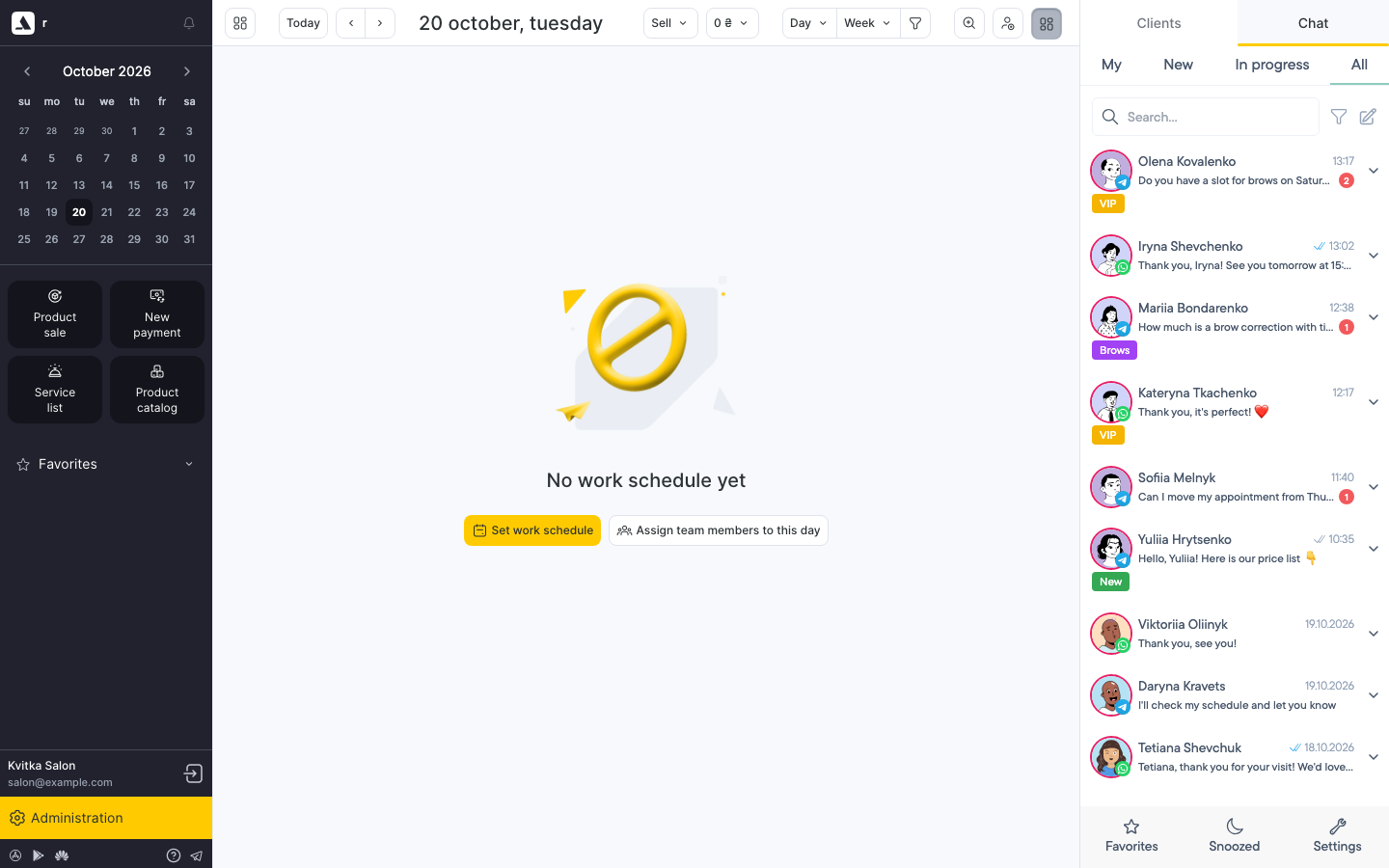
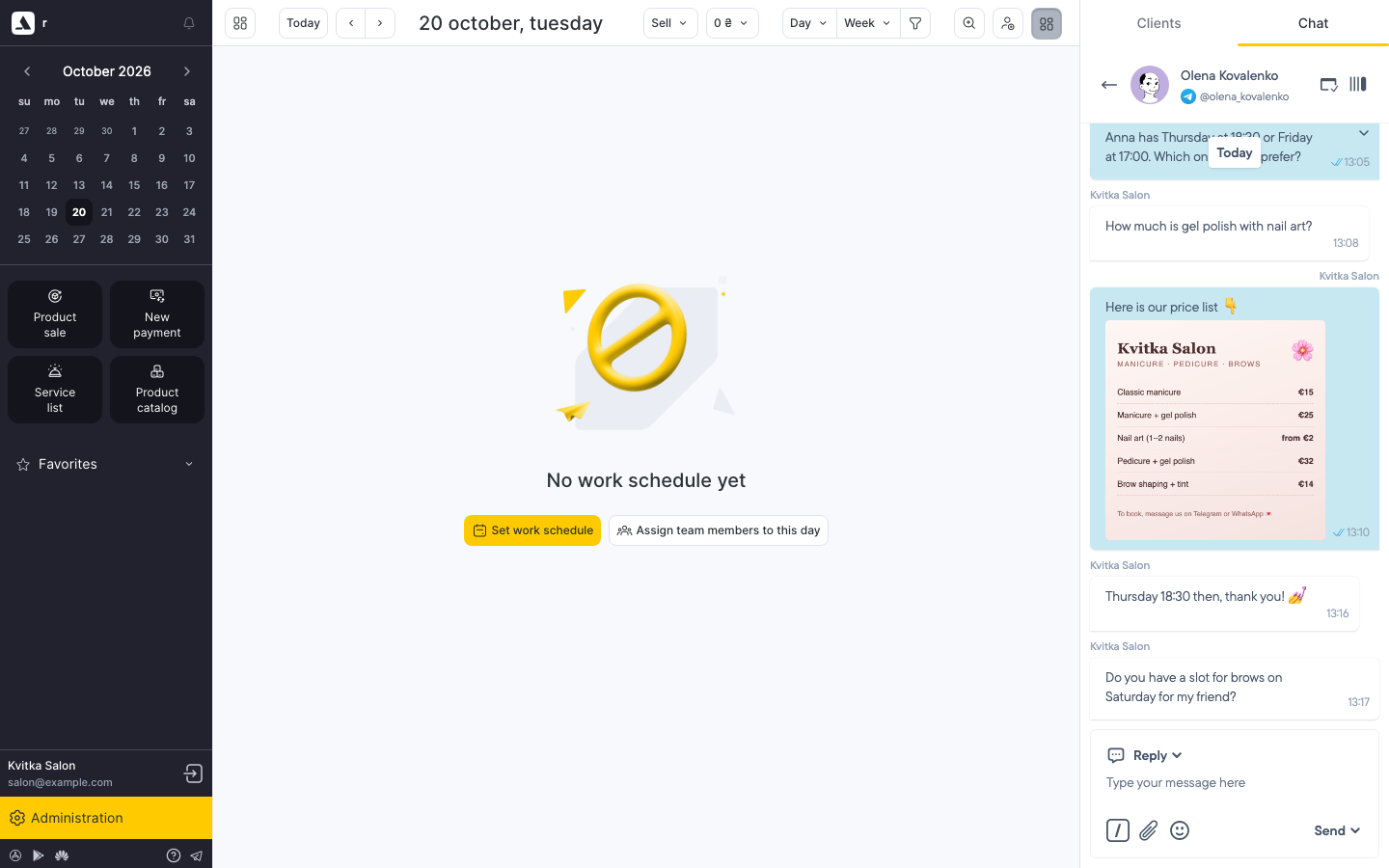
The Povidomlyaka chat opens. Click a client to read the conversation and reply.
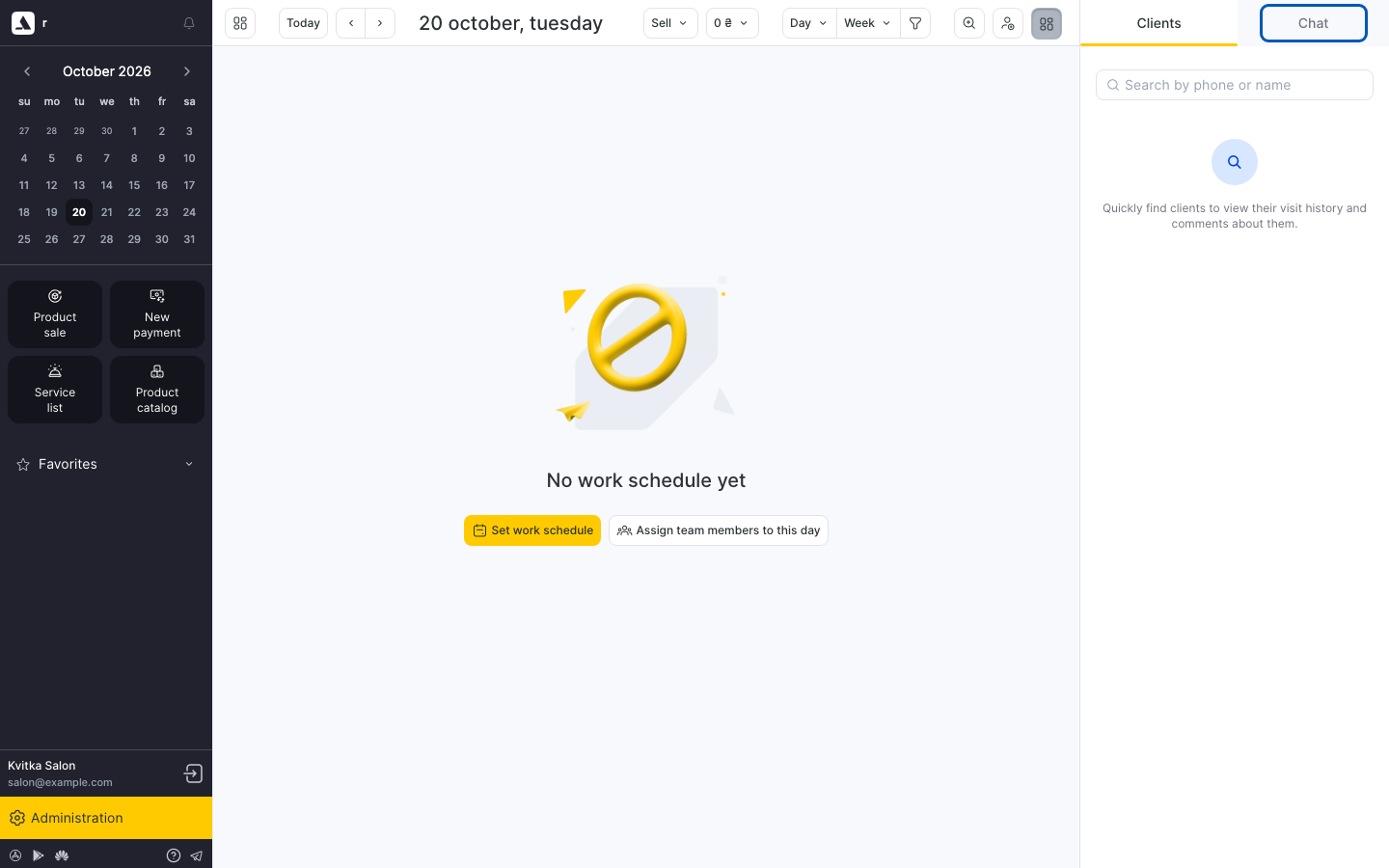
The Clients tab next to it is Altegio's own client search.
How the chat in Altegio works
It shows the same chats as the chat in your Povidomlyaka account.
You do not need a separate password: Povidomlyaka signs you in automatically for your Altegio branch.
The chat uses the Altegio interface language.
The folders My, New, In progress and All are at the top. Favorites, Snoozed and Settings are at the bottom of the panel.
What is different inside Altegio
The AI Assistant is not available. Use the chat in your account to translate or improve texts with AI.
Sounds and unread badges are turned off.
If the chat does not open
Check that the Povidomlyaka app is connected to your Altegio branch. See Set up the Altegio integration.
If the Chat tab shows a sign-in page or an error, write to our support. We will check the connection.
Was this article helpful?