Connect WhatsApp (QR)
On this page
Povidomlyaka connects to your real WhatsApp number by scanning a QR code — the same way WhatsApp Web works. Once linked, it can send reminders and messages from that number.
What you'll need
A phone with WhatsApp installed and signed in.
The phone kept online — if it goes offline for a long time, the connection drops and you'll need to reconnect.
Connect the channel
Open Channels.
Click Add a channel (or click the WhatsApp channel's status), then choose WhatsApp.
On your phone, open WhatsApp → Settings → Linked devices → Link a device.
Scan the QR code shown in Povidomlyaka.
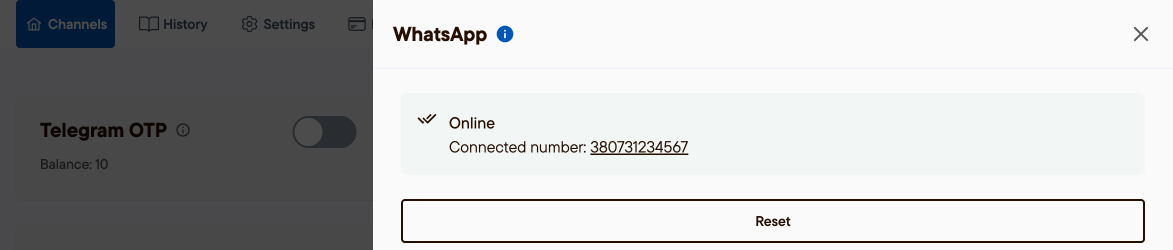
Wait until the channel status turns Online.
Good to know
This links your existing number — there is nothing to install on our side.
Because it uses your real number, respect sending limits: avoid sudden mass sends to brand-new contacts.
Official WhatsApp Business (WABA) templates are planned for later.
Was this article helpful?
100% found this helpful (1 vote)