Connect Telegram (personal)
·
On this page
You can connect a personal Telegram account as a channel. Reminders are then sent from that Telegram profile. If you would rather use a bot, see “Connect a Telegram bot”.
What you'll need
A phone number with an active Telegram account.
Access to that Telegram account to enter the login code.
Connect the channel
Open Channels.
Click Add a channel, then choose Telegram.
Enter the phone number of the Telegram account.
Enter the confirmation code Telegram sends you.
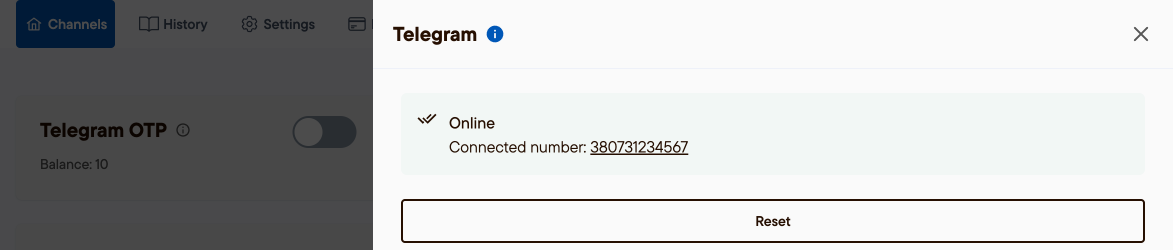
Wait until the channel status turns Online.
Was this article helpful?
100% found this helpful (1 vote)