
Connect SMS via Messaggio
On this page
Messaggio is an SMS aggregator you can use as the SMS channel in your cascade — useful when you want SMS without running the Android app. You connect your Messaggio account and register a sender name (alpha name).
What you'll need
A Povidomlyaka account.
A Messaggio account with SMS enabled and a registered sender (alpha) name.
Connect Messaggio
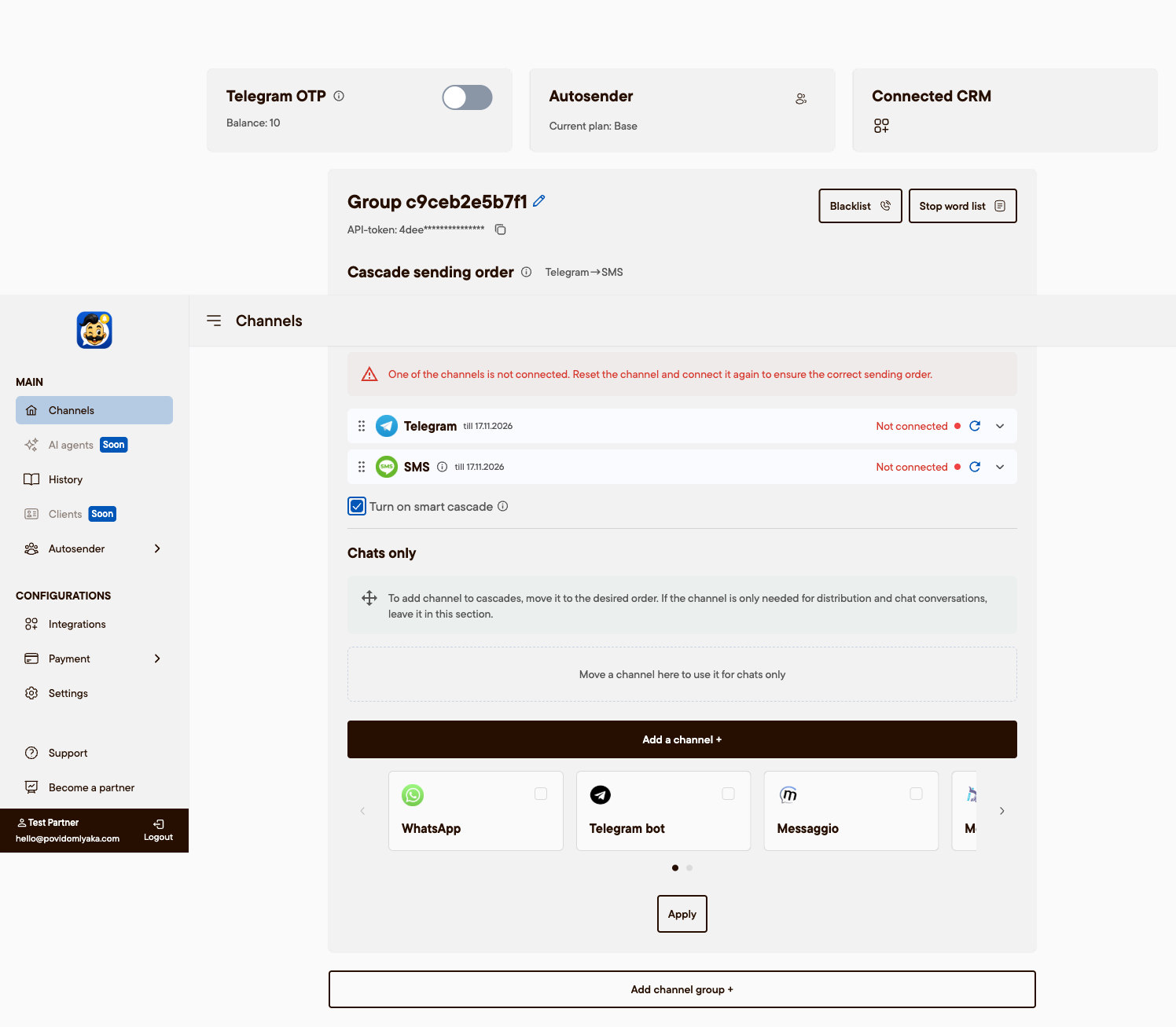
Open app.povidomlyaka.com → Channels.
Add a channel and choose Messaggio.
Enter your Messaggio API credentials and save.
Set the sender (alpha) name
SMS won't be delivered without a sender name. In Channels → Messaggio → channel settings, set the Sender name. Use the alpha name registered in your Messaggio account — usually the salon name in Latin letters, up to 11 characters.
Add SMS to your cascade
In Cascade, place SMS after your messengers (for example Telegram → WhatsApp → SMS) so SMS is used as a reliable fallback. See Set up the cascade order.
Troubleshooting
SMS not sent, or "no sender name": the alpha name is missing or not yet approved in Messaggio. Add it in the channel settings, or send it to us and we'll set it for you.
Billing for SMS sent through Messaggio is handled on the Messaggio side.
Simpler option
You can also send SMS with the Povidomlyaka Android app — see Connect the SMS Android app.
Was this article helpful?